One of the things I have to do when developing a new tracker for the Roundup Issue Tracker is test on mobile browsers. When I run into issues, I used to hook up a remote debugger. This usually requires finding a USB cable as wifi is less reliable.
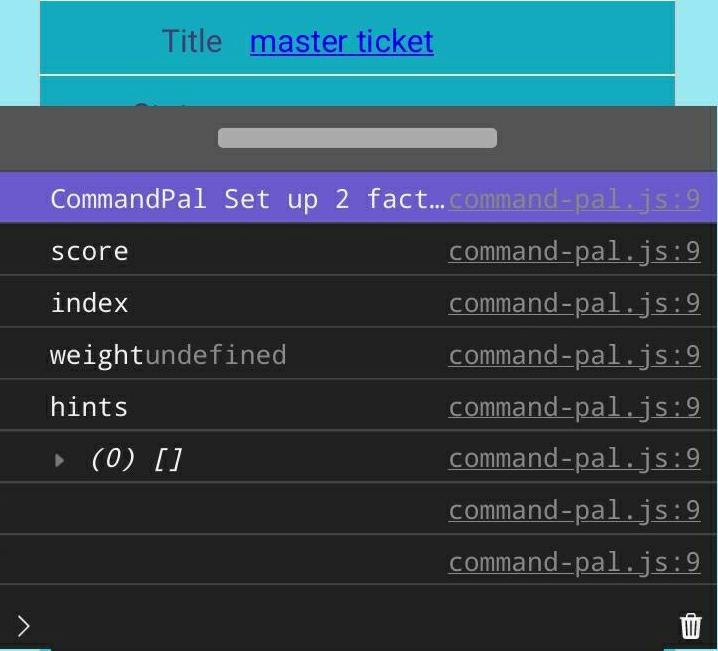
I really wish that mobile browsers had a native console that I could use to see console.log output and javascript errors. While not native, MobileConsole by hnldesign provides quite a bit of power by including one script and one style tag in my HTML page. At 45k uncompressed (17k gzipped) it's sized between the smallest and largest mobile consoles I found.
I am a developer for the open source Roundup Issue Tracker. It has many use cases. One is to develop issue trackers like GitHub Issues, Bugzilla, or Request Tracker. I also develop a custom issue tracker for a help desk environment. This article describes the steps in adding a task-timing feature for that tracker.
A user requested a task timer. The workflow:
open an issue page,
start a timer,
start the task associated with the issue,
use the issue page to document the work.
When done, the user would:
stop the timer,
finish documentation, attach files, and make other changes to the issue,
submit the time and other changes.
There are a few decisions to make:
timer functions
is start/stop enough?
is pause/restart needed?
does the user need to change/set/edit the timer?
do we need to track seconds, minutes, and hours? Since the customer is billed for the time, recording seconds seems excessive. Is there a scenario where the timer would need to record seconds?
timer controls
do we use a button/buttons? Does checking a checkbox activate the timer?
what does the UI look like for each timer function?
Are the controls in the issue page?
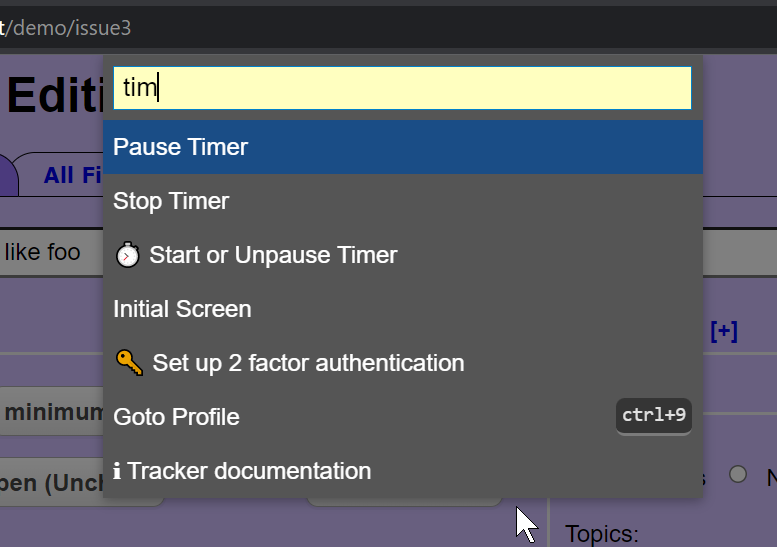
Are the controls in a floating popup? Does the popup need to be movable/collapsible
so it doesn't block access to the underlying issue?
notification feedback
how is the user notified that the timer is running/paused/stopped?
how does the user see the elapsed time?
future planning
how to add controls without cluttering an already complex interface
what impact will this have on adding future feature requests in the same context
does this guide us in implementing future workflows
 I am a developer for the open source